Captioning a GIF template
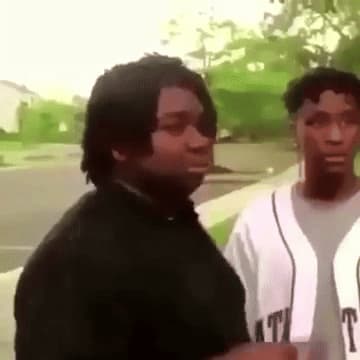
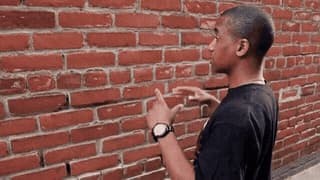
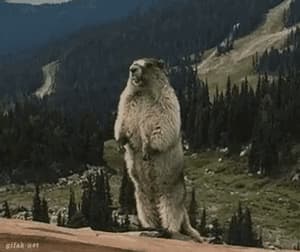
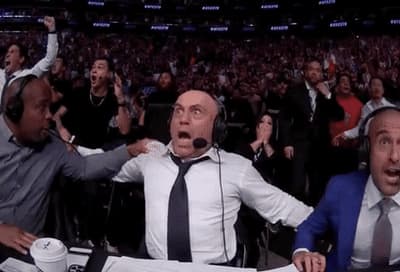
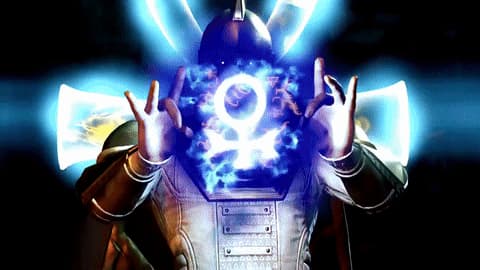
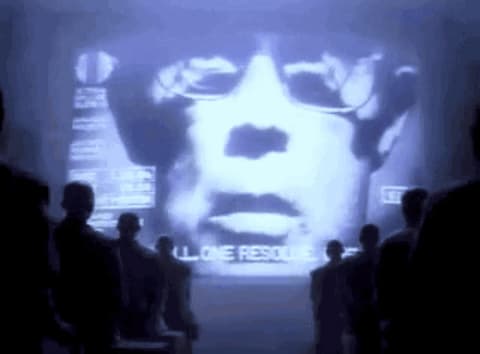
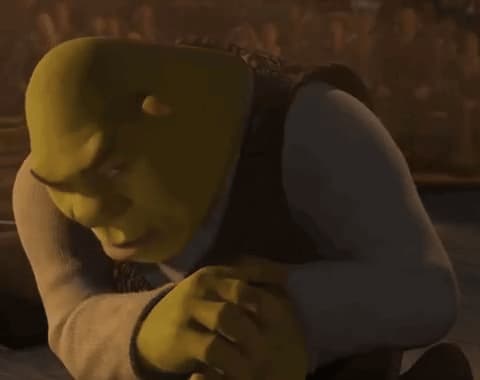
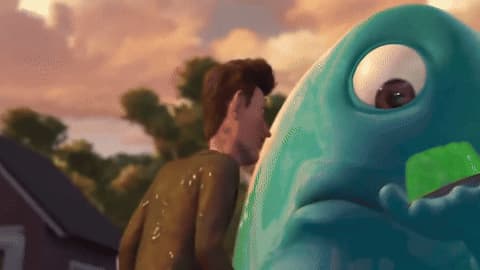
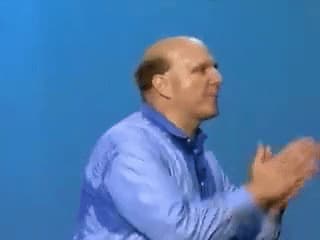
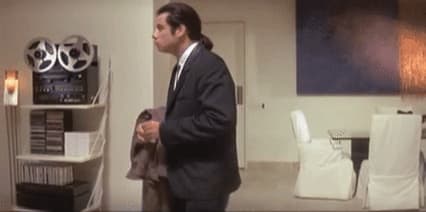
Each card describes what happens in the clip and the kind of reaction it suits, so you can pick an animation without playing every one. Choose “Caption this GIF” to open it in the GIF Maker with the animation already loaded, add a top and bottom line, and download a new GIF. Decoding, captioning, and encoding all happen in your browser; the GIF and your text are not uploaded.
Where these GIFs come from
The list follows Imgflip's trending GIF templates and is refreshed daily. Imgflip supplies them as video, so each one is converted to a standard animated GIF that fits the GIF Maker's limits: up to 8 MB, 800 pixels on the longest side, and 120 frames. A new GIF appears here only after its description has been written.
Tips for GIF captions
Keep each line short, because the caption stays on screen while the clip loops and has to be read in a second or two. Put the setup on top and the punchline at the bottom, and check the preview to make sure the text does not cover a face or the key moment. Step-by-step help is in how to make a GIF meme.